
AI Inventory Recorder — From spoken counts to structured inventory
A mobile inventory application that turns spoken counts into structured records, with catalog matching, review tools, and spreadsheet export.
- Status
- Product project
- Role
- Product & development
The problem
Inventory counting is physical work. Cafeteria staff move between storage areas, read product labels, and record quantities, sometimes in walk-in freezers or places with unreliable connectivity. A useful tool needs to fit that environment and produce records that can be checked and used afterward.
The solution
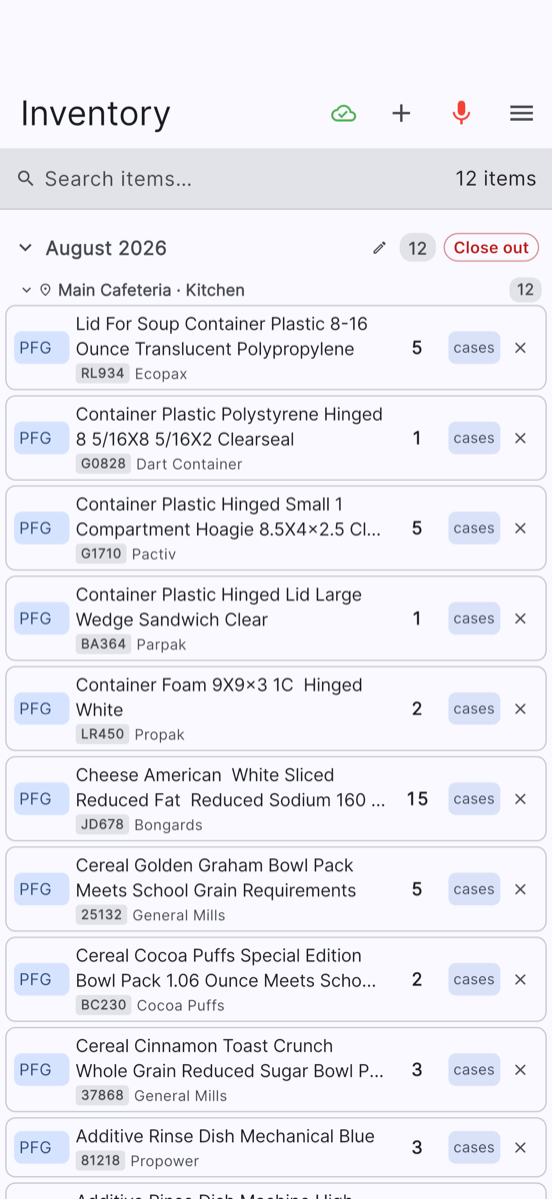
AI Inventory Recorder combines mobile audio recording with speech transcription and AI-assisted parsing. Users speak inventory details in a consistent pattern: supplier, item name, quantity, and unit. The application converts the recording into structured entries and attempts to match items against a supplier catalog.
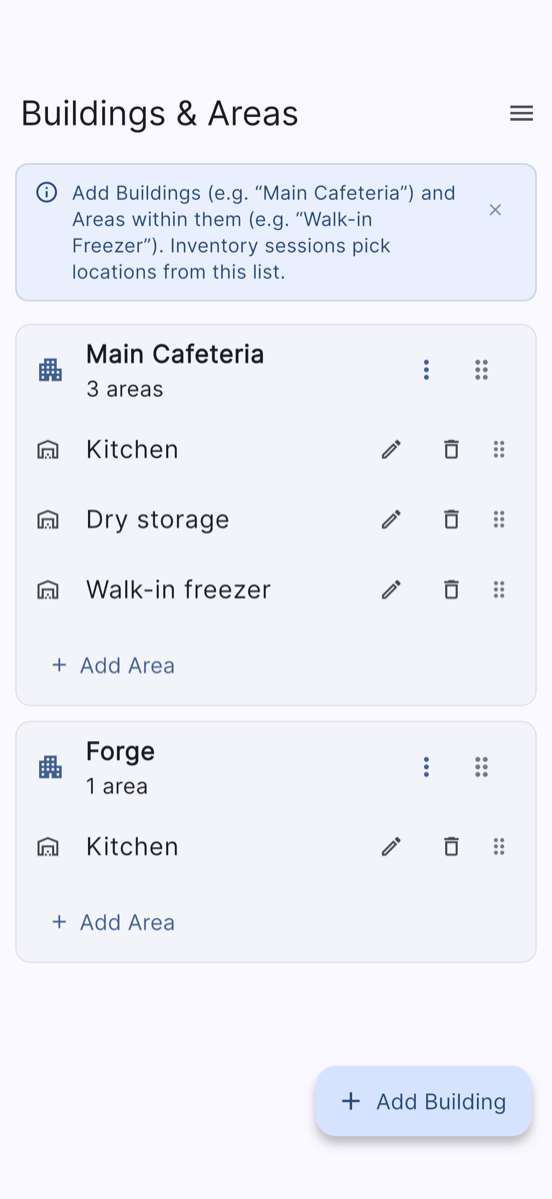
The workflow supports manual entry and correction alongside voice input. Entries that need attention can be surfaced for review, including missing information or unresolved catalog matches. Inventory is organized by location, storage area, and inventory period, with CSV and Excel export paths.
The app
A workflow built for the setting
The mobile app includes a persistent queue for recordings and changes made while offline. Pending work can synchronize when a connection is available. Audio transcription and AI parsing run on the backend after upload; they do not run entirely offline on the device.
The backend also tracks repeated uploads so a retry can return the existing result rather than create the same inventory entries again. This supports a practical requirement: someone counting stock should not need to decide whether a timed-out recording was already processed.
Human review remains part of the process
AI handles transcription and interpretation, while review controls allow users to correct the result. Catalog matching, typed review reasons, editable records, and period close-out checks make uncertainty visible in the workflow.
Parsed records are persisted by the backend and remain reviewable.
The product brings together a Flutter mobile app, a FastAPI backend, PostgreSQL storage, authentication, and a web administration surface. Its intended benefit is less manual transcription and more usable inventory records. Measured time savings and accuracy results are not yet included in this portfolio.
Core workflow
- Choose location/area
- Record inventory counts
- Upload or queue offline
- Transcribe and parse
- Match catalog items
- Review and correct records
- Export inventory
Implemented functionality
- Audio recording and backend transcription using OpenAI Whisper.
- LLM parsing of spoken inventory details into structured fields.
- Supplier/catalog matching and SKU-based lookup.
- Manual item entry, editing, deletion, and review filters.
- Persistent offline queue and synchronization worker.
- Locations, storage areas, suppliers, sessions, and inventory periods.
- Inventory-period close/reopen handling and review blockers.
- CSV session export and XLSX export through administration/reporting paths.
- Web administration functions for inventory review and catalog/order-guide import.
Technology
- Mobile
- Flutter · Dart
- Backend
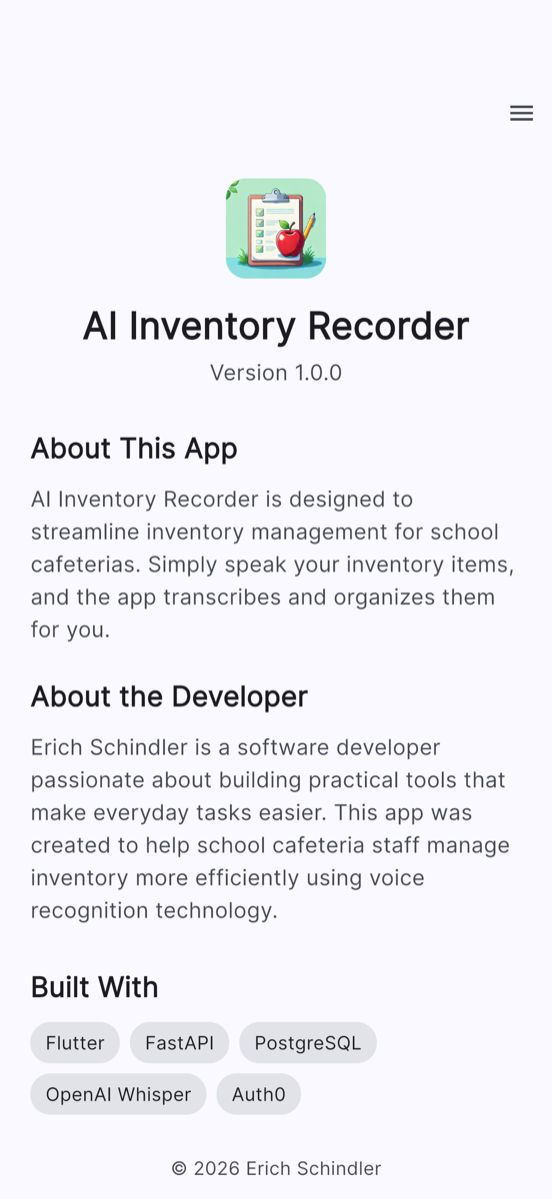
- Python · FastAPI · SQLAlchemy · PostgreSQL
- AI
- OpenAI Whisper · LLM parsing
- Platform
- Auth0 · Railway deployment configuration